Setup in minutes
Add Driversnote to your AI assistant
Add Driversnote to ChatGPT, Claude or any assistant that supports connectors. It takes a couple of minutes. You sign in on Driversnote, so your password never reaches the assistant. Then ask it anything about your mileage.
 Add to ChatGPT
 Add to Claude
What you need

A Driversnote account
Your assistant works with your trips and reports, and, as a team admin, the reports your team has submitted.

An AI assistant
ChatGPT, Claude or another assistant that supports apps or connectors.

A couple of minutes
No API key and no code. You click Connect and sign in.
ChatGPT
Add Driversnote to ChatGPT
Driversnote is listed in ChatGPT's app directory, so it takes a few clicks.
 Add to ChatGPT
Claude
Add Driversnote to Claude
Find Driversnote in Claude's connector directory and add it in a few clicks.
 Add to Claude
Other assistants
Using a different AI assistant?
Cursor, Gemini CLI and other assistants that support connectors can use Driversnote too. Add the address below as a connector or remote MCP server, then sign in to Driversnote when asked.
Technical documentationHow many business trips did I make in Q3?
Used Driversnote
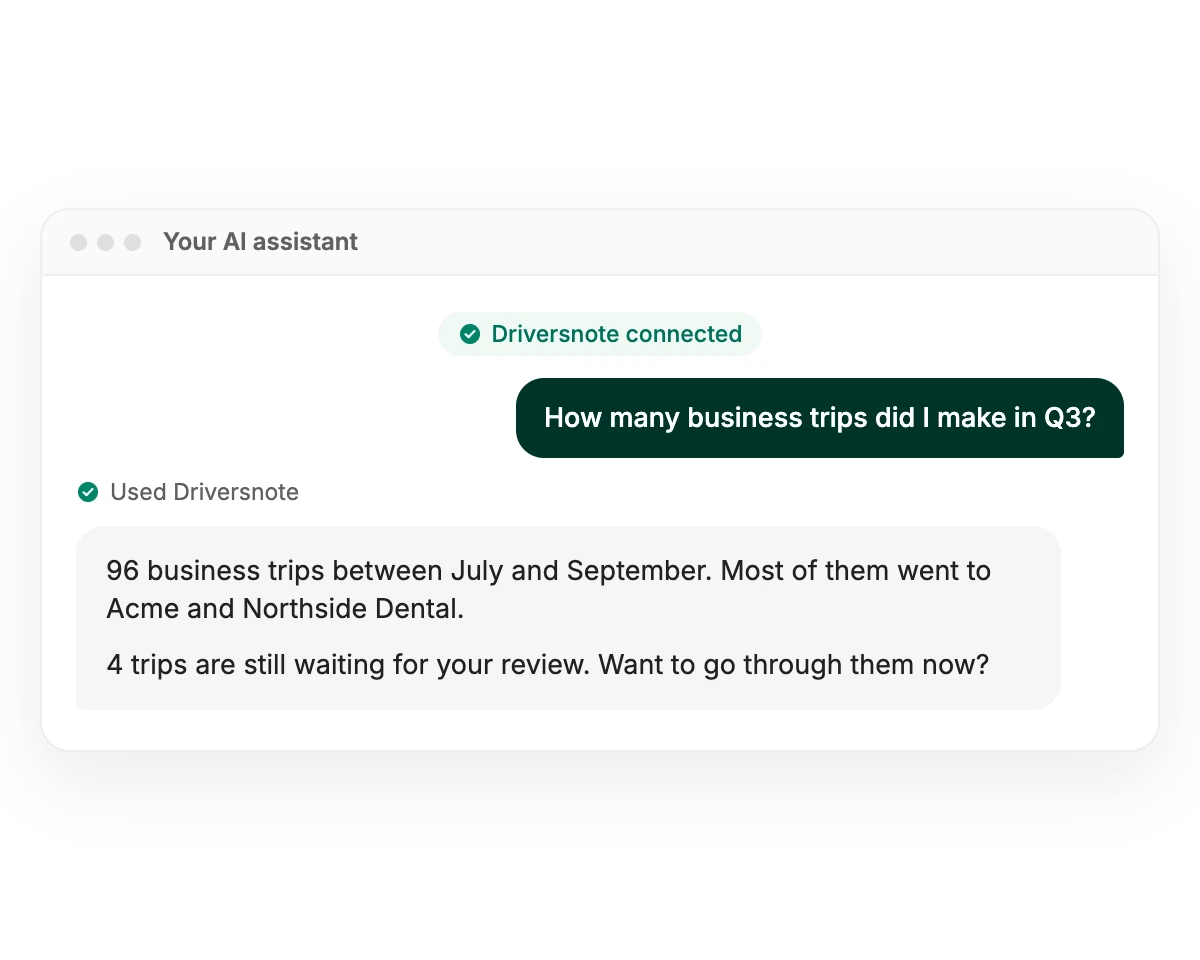
96 business trips between July and September. Most of them went to Acme and Northside Dental.
4 trips are still waiting for your review. Want to go through them now?
Try your first question
These are examples. Ask anything about your mileage: copy a question, paste it into your assistant and see what it finds. Questions about your mileage don't change anything in your account. Asking for something, like a report, does.
How many business trips did I make in Q3?
A count from your own trips, with the places you went most.
Create my October report and give me the PDF.
A saved report and a link to its PDF.
Which of my drivers haven't submitted a report this month?
For team admins: who's missing, and who has stopped tracking.
Who on the team has the most business mileage this year, and which month was busiest?
For finance: the totals per driver and month, from submitted reports.
What have we paid in mileage each month this year?
For finance: approved mileage per month, ready to compare.
What else can you do?
You stay in charge
Your AI assistant suggests. You decide.
Frequently asked questions
Two things decide it: your Driversnote plan and your AI assistant's plan. Some assistants only offer apps or connectors on their paid plans. See plans and pricing.
No. You click Connect in your assistant and sign in with your Driversnote account.
Not always. Many changes can't be undone in one step, including changes to trips, their categories and reports. An import can be undone if you ask in the same conversation. So read what your assistant is about to do before you say yes: you're responsible for what it does on your behalf. If something goes wrong, our support team will help where they can, though they can't always restore what was changed.
ChatGPT and Claude have Driversnote in their directories. Other assistants that support connectors or remote MCP servers, like Cursor and Gemini CLI, can add it with the address on this page.
Yes. Drivers can work with their own trips and reports, and submit reports to their team. Team admins can ask about the reports submitted to them, such as who hasn't submitted yet or what the team is owed.
Your assistant reads the trips and reports it needs to answer you. How your conversations are stored is up to the company behind your assistant, so check its privacy settings.
No Driversnote account yet?
Sign up for free and start tracking. You can add Driversnote to your assistant as soon as you have an account.
Get started for free