AI assistants (MCP)
Use Driversnote in ChatGPT and Claude
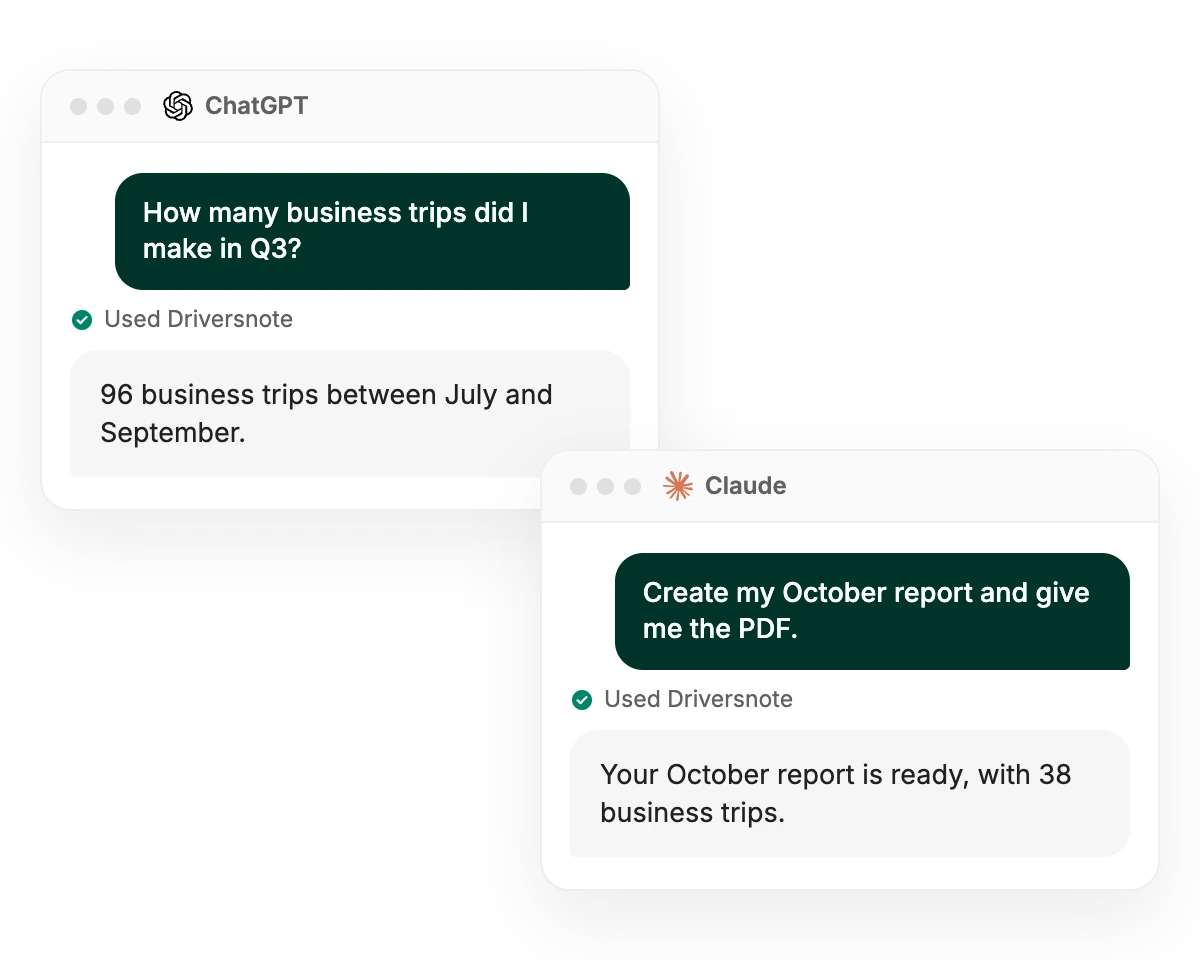
Whether you drive, run a team or keep the books, you can talk to your AI assistant about your mileage. Ask it to import trips, sort them and create reports for your accountant or your team. It works with the assistant you already use, and connecting takes a couple of minutes.
Import my Google Timeline export.
Used Driversnote
I found 146 drives from January to March. 4 of them are already in Driversnote, so I'll skip those.
Should I add the other 142 to your trip inbox?
What you can ask your assistant to do
Once it's connected, your assistant works in your Driversnote account, with the same access you have. Here's what drivers, team admins, finance teams and bookkeepers ask it for.
Setup in minutes
Connect Driversnote to your AI assistant
Use the assistant you already have: ChatGPT, Claude, Cursor, Gemini CLI or any other that supports connectors. Setup takes a couple of minutes, and then you can ask about your trips, fill gaps in your log and create reports.
 Add to ChatGPT
 Add to Claude
Using Copilot, Gemini, Grok or another AI assistant? See how to connect it
I've just joined my company's Driversnote team. Import my 2025 trips from this MileIQ export.
Used Driversnote
Your export has 312 trips from 2025. 6 are already in Driversnote, so I'll skip those.
Should I add the other 306 to your trip inbox, so they're ready for your team reports?
Import your trips
Bring your past trips into Driversnote
Moving from another mileage app, or have you kept your log in a spreadsheet until now? Attach the file and ask your assistant to turn it into trips. You'll see a preview before anything is added.
For teams, it puts every driver's history in one place, in the same format. That keeps the records complete and consistent if anyone asks for them later.
Trips to my customers are business. Evenings and weekends are personal. Sort out October.
Used Driversnote
Done for 41 of October's 44 trips: 33 business, 8 personal.
3 trips went to addresses I don't recognize, on weekday afternoons. Do you know what they were?
Sort your trips
Business or personal? Let your assistant work it out
Ask your assistant to sort a week or a month by your own rules and saved places. Trips it can't place wait in your trip inbox, each with a short question for you.
Make a payroll file of all approved mileage for October, one row per employee, in the format of this template.
Used Driversnote
Here's your payroll file: 27 employees with approved October reports, with email, distance and amount, in your template's columns.
2 drivers haven't submitted a report for October yet. Should I list them?
Connect your systems
Get your mileage where your company needs it
Payroll, accounting, expenses or your accountant: your assistant takes the mileage from Driversnote and puts it in the format each one needs. No more copying numbers by hand.
Open API
Build your own integrations
Start with Driversnote MCP. Try the workflow in your AI assistant and see if it does what you need. When you want it to run on its own every month, or at scale, you can build it on our open API. The API comes with all paid Driversnote plans. Tell us what you'd like to build.
You stay in charge
Your AI assistant suggests. You decide.
Frequently asked questions
It connects your Driversnote account to AI assistants like ChatGPT and Claude, so you can ask about your trips, import and sort them, and create reports, all from the chat. MCP (Model Context Protocol) is the standard that lets AI assistants work with other apps.
No. Add Driversnote from ChatGPT's or Claude's directory, sign in to Driversnote and start asking. That's all.
Yes. Team admins, finance teams and bookkeepers with admin access to your Driversnote team can ask about submitted reports, see what's owed and turn approved mileage into payroll or accounting files. Your assistant only sees what your account can see.
ChatGPT and Claude have Driversnote in their connector directories, and other assistants that support connectors can add it too. You sign in with your Driversnote account. See how to connect your assistant.
Two things decide it: your Driversnote plan and your AI assistant's plan. Some assistants only offer connectors on their paid plans. See plans and pricing.